Getting Started
Your account, your profile and your first match
OcheBase tracks your darts life in one place: casual games, training drills, club events and full tournaments. This guide takes you from a fresh account to your first scored match.
Set up your account
Sign up with your email or continue with Google or Apple. Verify your email, then give yourself a username — that is the name other players see in matches, clubs and leaderboards.
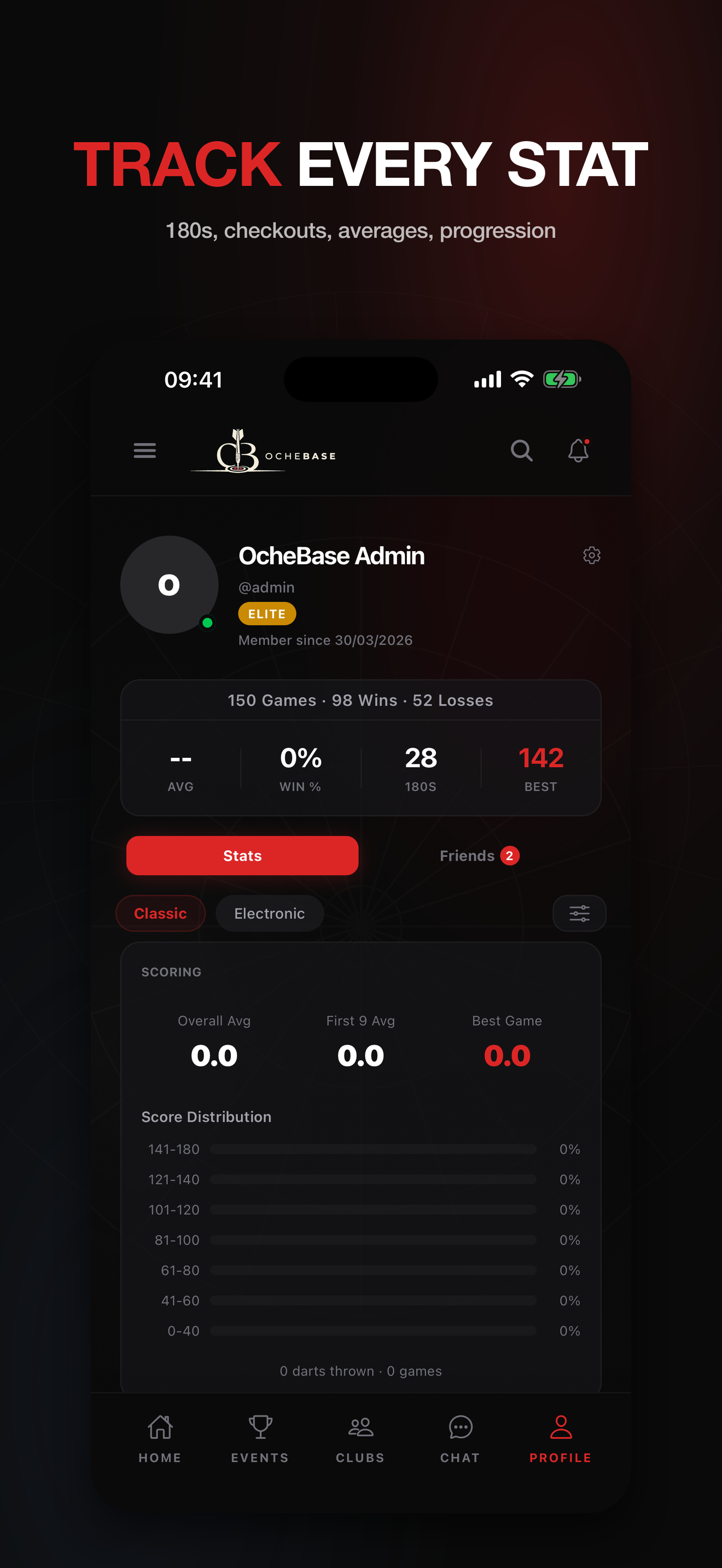
From the Profile tab you can add a photo and choose what is public: your averages, your match history and who may send you friend requests all live under Settings → Privacy.
Play your first quick match
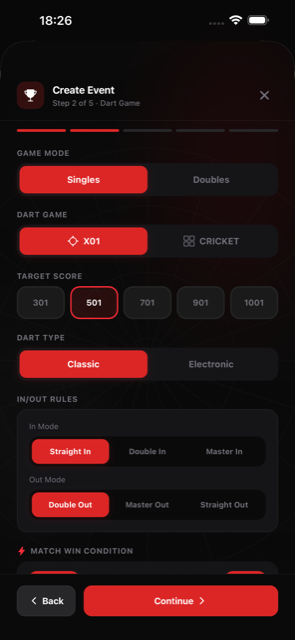
Tap Quick Match on the home screen, pick a game — X01 (301, 501 or 701) or Cricket — and choose your opponent: a guest on the same phone, a friend online, or OcheBot.
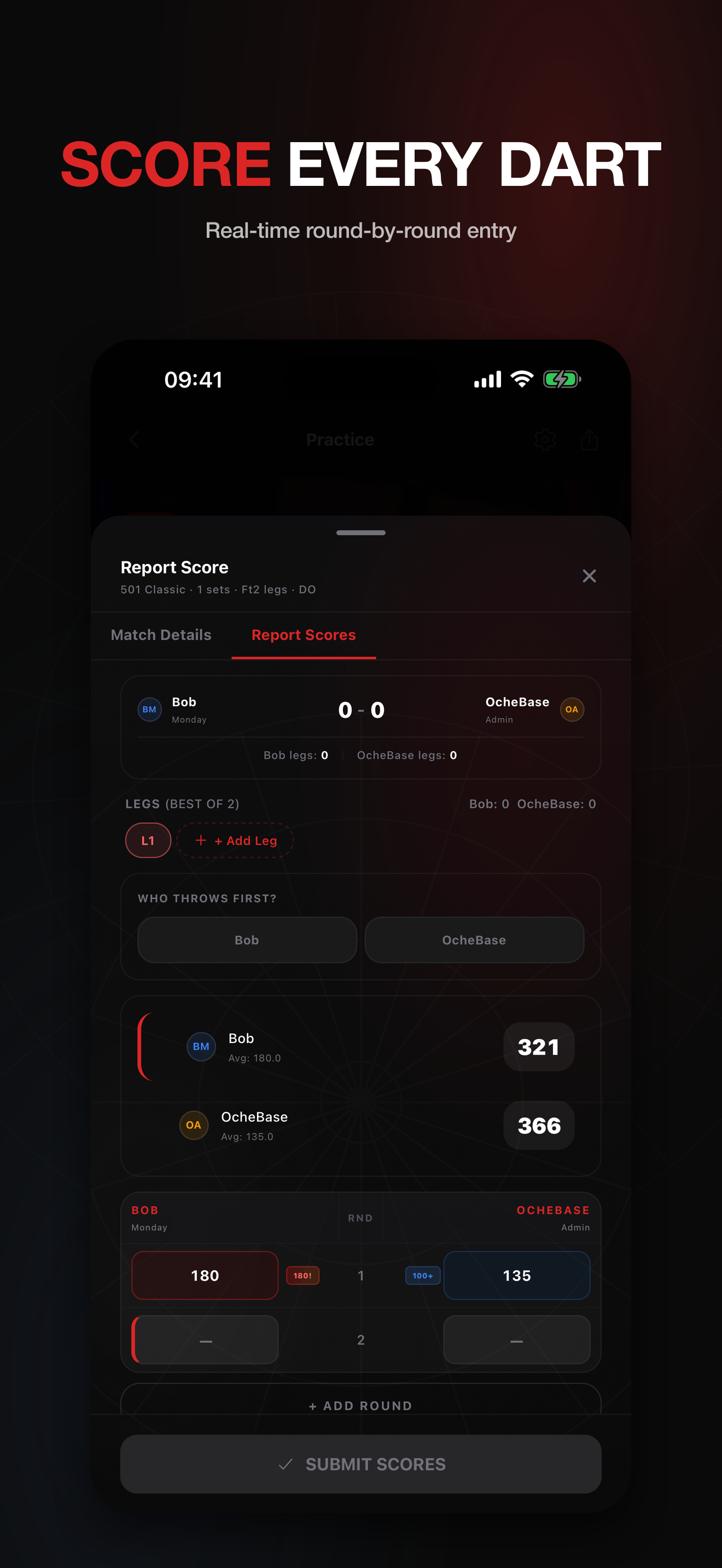
For an in-person game the phone is your scoreboard. Throw three darts, enter the visit on the keypad and pass play back and forth; the app tracks the score, checkouts and averages for you.
When the match ends, the result is saved automatically. Your 3-dart average, checkout percentage and 180s start building from the very first game.
Where to go next
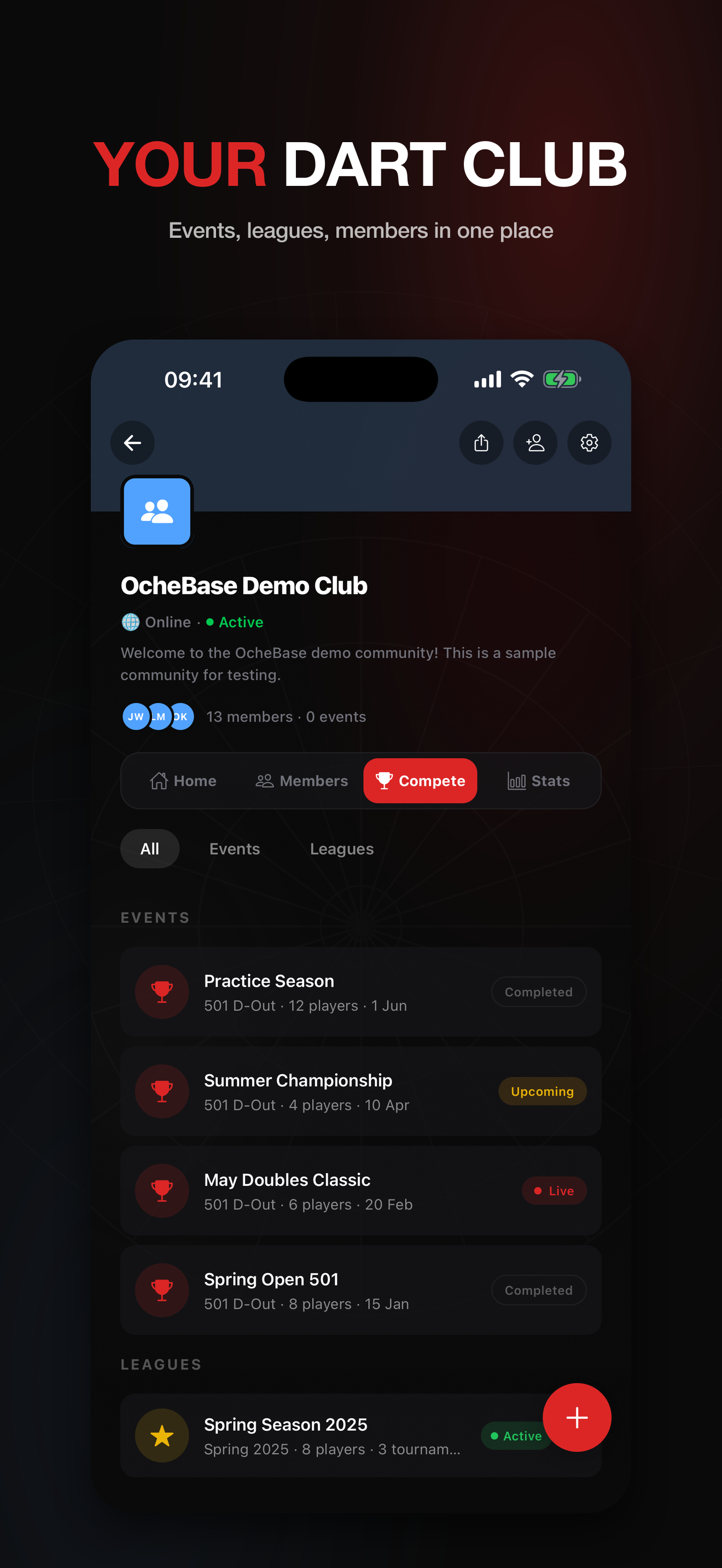
Join a club from the Clubs tab to play events with regulars, or browse the Events tab for open tournaments. The Training area gives you six focused drills for the skills matches expose.
Training
Training drills
The Training area gives you six focused drills for the skills matches expose. Here's how each drill works and what its numbers mean.
Checkout Ladder
Climb the finishes, one checkout at a time
The Checkout Ladder drills the moment that decides legs: finishing. You get a checkout score, a fixed number of darts to take it out, and the ladder moves to the next score when the attempt ends.
The rules
Pick a preset — Classic runs the full ladder from 41 to 170 one score at a time, Doubles Band covers 2 to 40 in twos (every double on the board), Big Finishes runs 100 to 170 in twos.
Each rung is one attempt: take the score down to exactly zero within your dart budget, finishing according to the out rule — Double out is the classic, Master also allows trebles, Straight accepts any finish.
Hit it and you move up. Run out of darts and the ladder moves on anyway — unless retry on miss is enabled, which keeps you on the same score until it drops.
Reading your stats
Checkout % is attempts converted. Darts per checkout tells you how expensive your finishes are. Best streak and highest checkout track consistency and range.
With Pro you can build a fully custom ladder — any range, step, dart budget and out rule — and see your checkout trend, weakest doubles and per-target heatmap grow across sessions.
Doubles Practice
Every double on the board, then the Bull
Doubles win legs, and this drill visits all of them: D1 through D20, finished off with the Bull. Hit the target double to move on to the next.
The rules
The classic order climbs from D1 to D20 and ends on the Bull. You can flip it to start at the Bull and walk down, or (with Pro) play a random draw of 5, 10, 15 or 21 doubles.
Pro also unlocks the pace controls: choose how many darts each attempt gets, and whether a missed double is retried until it drops or the sequence simply moves on.
Reading your stats
Every attempt feeds your per-double record. Over time the weakest-doubles breakdown (Pro) shows exactly which finishes cost you legs — the numbers to book your next session around.
Scoring Power
Three darts a visit, thrown for maximum points
Scoring Power is the treble-20 gym. Every visit is three darts thrown for the biggest score you can manage — no checkouts, no targets, just scoring under a counter.
The rules
A session is a fixed number of visits — 10 on Free; Pro can pick 10, 20 or 30. Score 100 or more in a visit and it counts as a power visit.
Reading your stats
The headline is your 3-dart average — the same figure match players are judged on. Alongside it: total points, best visit, and counts of 100+, 140+ and 180 visits.
Power visit % and your best power streak show how often the big visits come and how well you chain them. Trends across sessions are a Pro view.
Around the Clock
Round the board in as few darts as you can
Around the Clock is the accuracy lap: hit 1 through 20 in order, then the Bull, with as many darts as it takes. The score is the number of darts the lap costs you — lower is better.
The rules
The classic lap runs low to high with any segment of the number counting. You stay on a number until you hit it; there is no penalty except the darts you spend.
Pro variants change the lap: play high to low or in random order, restrict hits to singles, doubles or trebles, require two or three hits per number, and choose which Bull ends the lap — outer 25, inner 50 or either.
The trebles lap ends at 20, because the board has no treble bull. The fast-track rule (Pro) rewards accuracy: a double skips one extra number, a treble skips two.
Reading your stats
Darts taken is the headline. Darts per number shows your baseline accuracy; the toughest and quickest numbers show where the lap slows down — the per-target heatmap (Pro) maps that across sessions.
Shanghai
One visit per number — or one perfect visit to win it all
Shanghai is a scoring race with a knockout punch. You get one 3-dart visit per number, in order, and only the current number scores — everything else counts zero.
What is a Shanghai?
Landing the single, the double and the treble of the current number in one visit is a “Shanghai” — and it wins the game outright, on the spot, no matter the score. It is the drill's named shot because it is the hardest visit in darts to complete on demand.
The rules
Pick the run — 1 to 7 up to 1 to 20. Each round, singles score the number, doubles twice, trebles three times; darts outside the current number score nothing.
Pro rule variants punish cold visits: with “hit the number” a visit without a single dart in the number halves your total, and with “treble or bust” a visit without the treble resets it to zero.
Reading your stats
Total points is the headline, backed by hits per round and your best round. A session won on a Shanghai is marked as such in your history — those are the ones to remember.
Bob's 27
Start on 27 and survive every double
Bob's 27 is the classic doubles gauntlet, named after Bob Anderson. You start with 27 points and throw one 3-dart visit at every double in order — D1 to D20, then the Bull.
The rules
Every dart that lands in the target double adds its value — hit D5 twice and you bank 20. Miss the double with all three darts and its value is subtracted once.
Easy mode always plays all 21 rounds and lets the score go negative. Hard mode is the traditional test: drop below 1 after any round and you are busted — the run ends there. Survive the Bull and you have completed it.
The odd-score fact
You can never land exactly on 0. The starting score, 27, is odd, and every double is worth an even number of points — so every add or subtract keeps your score odd forever. Below 1 is always a bust at −1 or worse, never a clean zero.
Reading your stats
Final score and doubles hit are the headlines; in hard mode your history also records where a run busted. A finished lap above 27 means the doubles gave you more than they took — the drill's real pass mark.
Playing Online
Live matches and training races against friends
Quick Match is not just a scoreboard for the pub — you can play full live matches online, each player scoring on their own phone with the game state synced in real time.
Starting an online match
Open Quick Match, pick your game — X01 (301, 501, 701) or one of the Cricket variants — and choose an online opponent from your friends. They get an invite on their phone and the lobby opens when they accept.
Add friends from their profile or via the search tab; only friends can be challenged directly.
Who throws first
Before the first leg you choose how to settle throw order: a coin flip decided by the server — fair, instant and shown to both players with the same reveal — or a bull-off, where each player throws one dart at the bull and the closer dart takes the darts. An inner bull beats the 25 ring, and a dead tie is simply thrown again.
In legs after the first, the throw alternates as it would on a normal night.
During the match
Each player enters their own visits; scores, averages and checkout suggestions stay in sync on both phones. If your connection drops, the match waits and recovers when you return.
Training races
Training drills can be raced too: challenge an online friend and you each play the same drill on your own phone, at your own pace, with live progress shown side by side. Their result saves to their account, like any session.
Pro Features
What upgrading actually unlocks
Free covers real play: unlimited quick matches, all six training drills in their classic form, a club, and three events a month. Pro removes the ceilings and opens the deeper tools.
Events and clubs
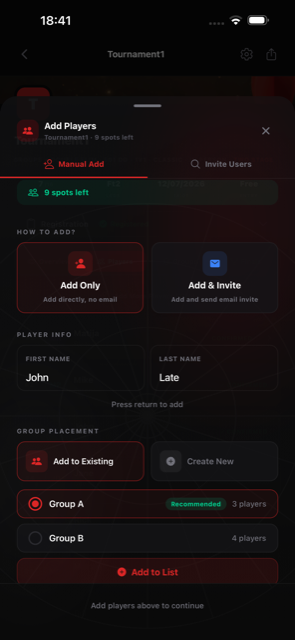
Unlimited events with up to 256 players, private events, late joiners, tournament moderators and reusable event presets. Clubs grow to 200 members with custom images and full role management.
Statistics
Unlimited stats history instead of 30 days, detailed match analytics, and export of your data as CSV or JSON.
Training
Every drill gains its custom setups: your own checkout ladders, random-order doubles, the Around the Clock rule variants, and longer Scoring Power sessions.
Your history opens up completely — Free keeps the last 5 sessions — with trend charts, the weakest-doubles breakdown and a per-drill target heatmap of how you do on every number.
And the rest
Camera AI auto-scoring in Quick Match, and priority support when you need a human.
You can upgrade from Settings → Subscription; the plan renews through the App Store or Play Store and can be cancelled there any time.